
资源介绍:
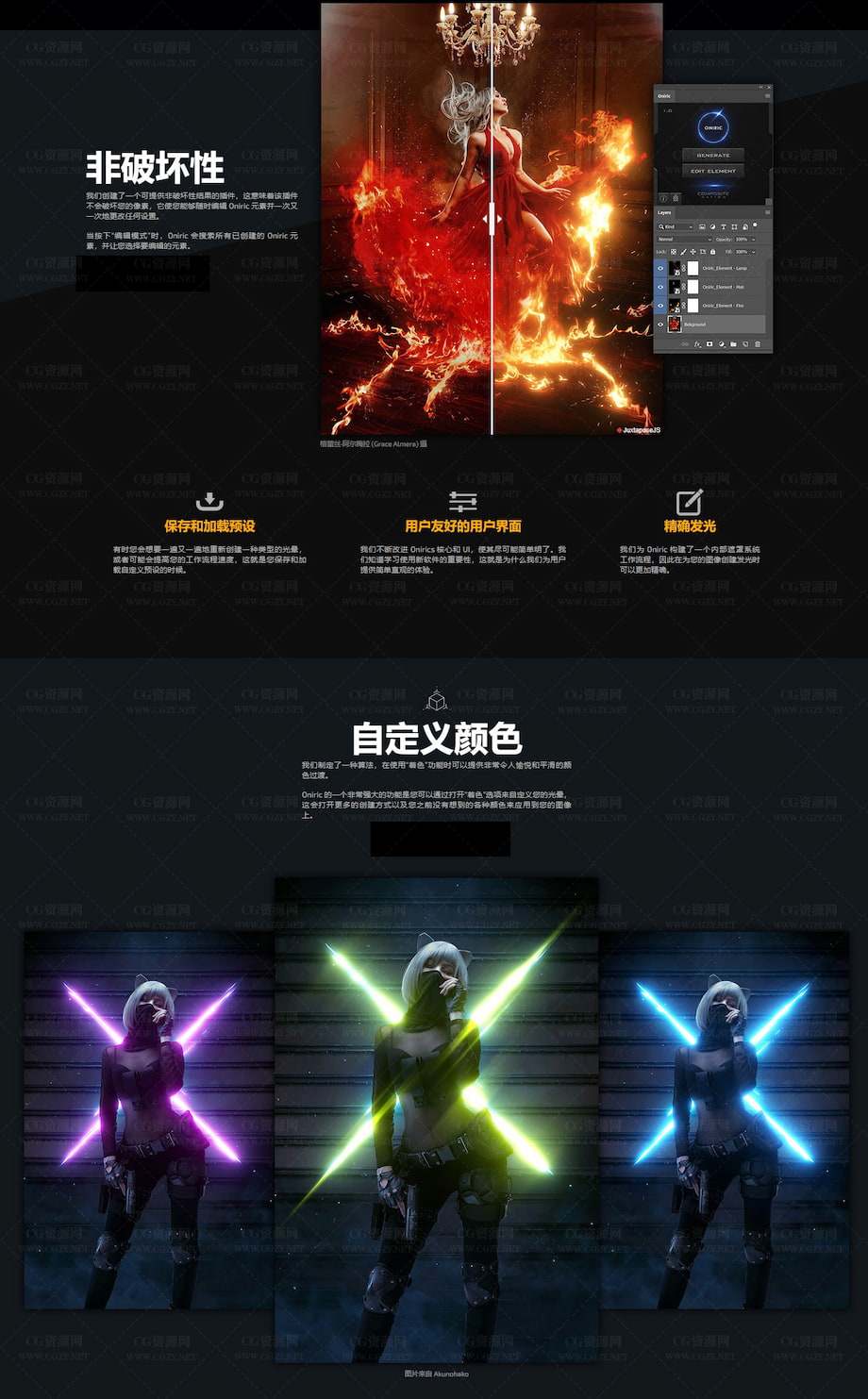
Oniric Glow Generator是一款PS自定义区域真实无损发光辉光插件,可以在PS中对图片只能分析做辉光效果,也可以通过笔刷的形式绘制需要发光的位置,自定义发光的强度、位置、颜色等都多种功能。
Generate bloom effect is one of the two core features of Oniric. It uses the inverse square law same as real light falloff does to create very smooth light transitions. Combined with our algorithms it works amazing with the “colorize” feature. Whe you hit the “apply” button, Oniric renders the bloom in 16bit so you don’t have to worry about banding.
2.3.1安装方法:
复制 lic.json 文件到以下位置:
Mac 系统:
~/Library/Application Support/Adobe/UXP/PluginsStorage/PHSP/27/External/ONIRICUXP/PluginData
Windows 系统:
%APPDATA%\Adobe\UXP\PluginsStorage\PHSP\27\External\ONIRICUXP\PluginData
复制ONIRICUXP_v2.3.1插件文件夹到以下位置:
Mac 系统:
/Applications/Adobe Photoshop 2026/Plug-ins
Windows 系统:
C:\Program Files\Adobe\Adobe Photoshop 2026\Plug-ins
支持Win/Mac系统:Photoshop CC 2018 -2026 或更高版
历史版本: