

资源介绍:
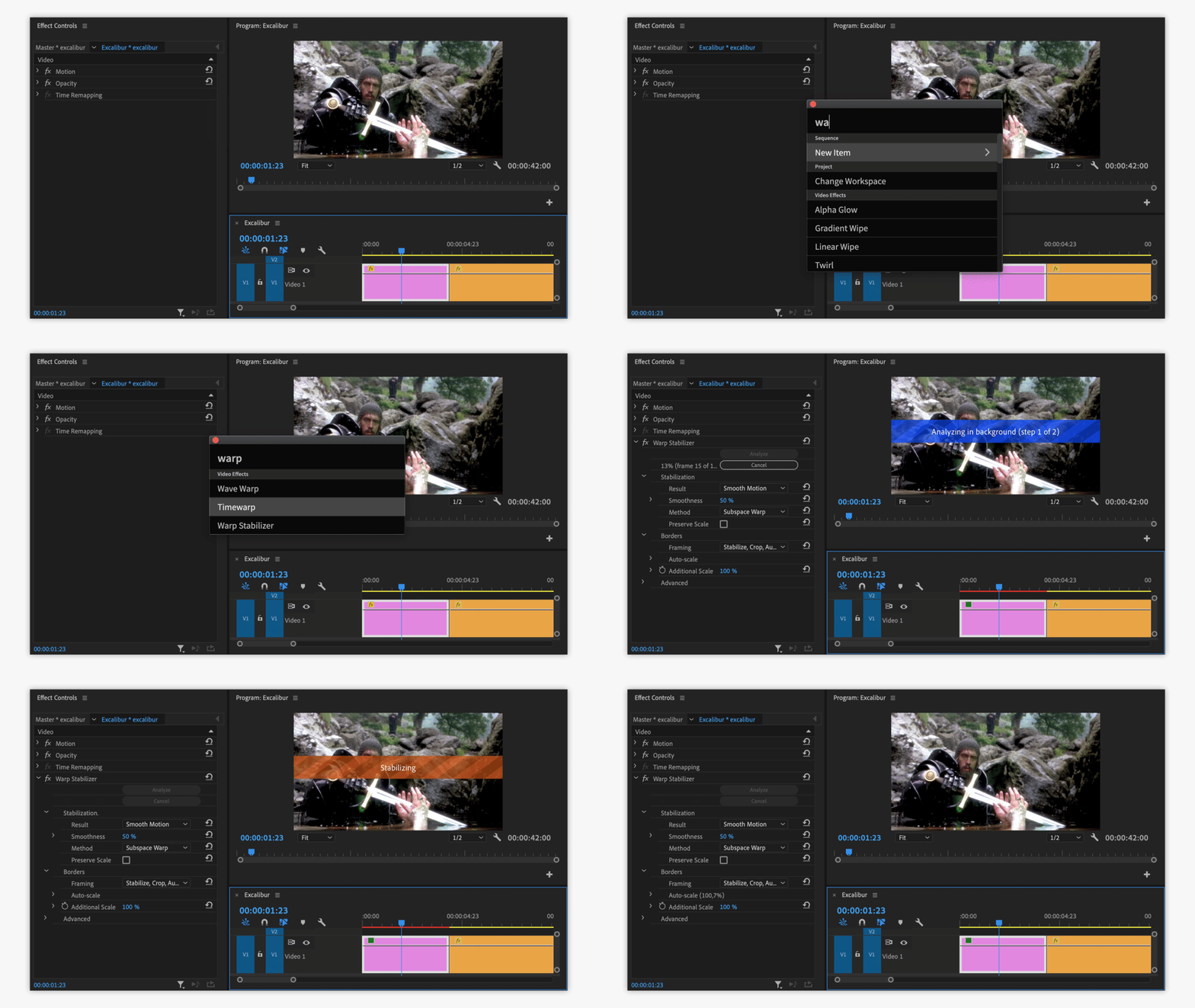
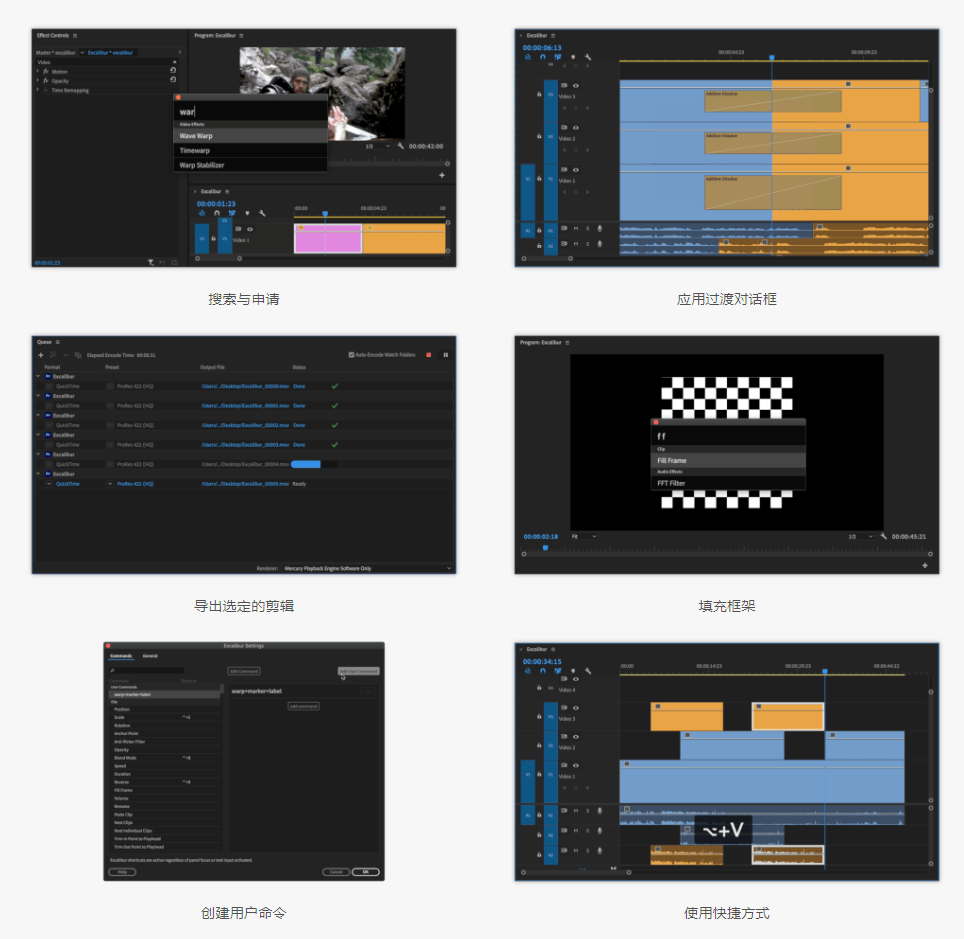
Excalibur是一款专为Adobe Premiere Pro设计的快捷命令与工作流自动化插件,可通过键盘快速搜索和应用视频效果、预设、转场及常用编辑命令。支持自定义用户命令、宏操作组合、批量导出片段、快速填充画面以及自定义快捷键,将多个重复操作整合为一键执行,大幅减少鼠标操作和菜单查找时间,提升视频剪辑效率。
- Search for and apply effects, presets, transitions with your fingers on the keyboard
- Use modified Premiere Pro commands
- Create mighty combinations of actions to improve your workflow
- Add keyboard shortcuts to everything above
支持 Windows 和 macOS,兼容 Premiere Pro 2020 及以上版本。


您也可以上传《Grave Robber》吗?它也是来自同一位开发者的作品。非常感谢您的分享与付出!
没有源码
1.3.4無法正常使用 會跳License驗證 有辦法下載上一個版本嗎 上一個正常的
已修复
can anyone help its not working for Im on m4 mac pr 2026 26.2.2 gave pr Accessibility and input monitoring persming restart pr and but its working in Shortcuts: it stays Unsheathe Excalibur: option+Space but nothing happens after pressing option+Space need ur help admin thanks