
资源介绍:
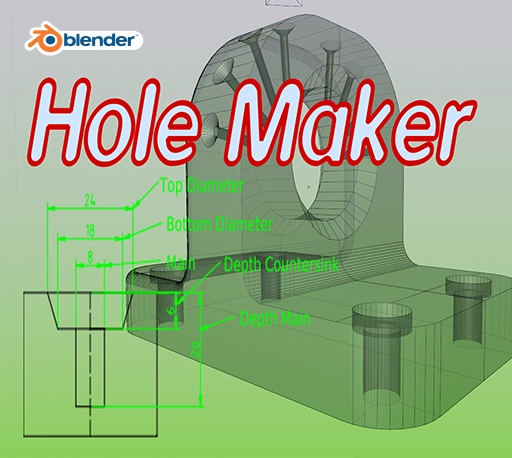
Hole Maker是一款Blender精确打孔插件,可在模型网格上快速创建指定直径、深度和位置的孔洞。只需选择一个顶点作为孔洞中心,即可设置孔洞方向、旋转角度、顶部/底部直径以及圆形顶点数量,并支持普通直孔和沉头孔制作。插件基于Boolean布尔运算生成孔洞,并提供Fast、Exact以及Manifold Boolean等模式,适合机械建模、硬表面建模及3D打印模型制作。
This add-on is a tool to make holes in a mesh with an exact diameter and depth and position. For the position you chose a vertex, this is the center of the hole.In Blender there are multiple ways to manipulate and locate vertices.
Blender插件安装方法:
Blender 4或者低版本
打开软件,顶部菜单点击 编辑(Edit) → 首选项(Preference) → 插件(AAdd-ons) → 安装(Install) ,在弹出的窗口里选择插件zip文件安装
Blender 4.1或者高版本
打开软件,在顶部菜单编辑(Edit)→ 偏好设置(Preference)→ 插件(Add-ons),右上角下拉,选择从磁盘安装,在弹出的窗口里选择插件zip文件安装
支持Blender 4.2 – 5.0