
插件介绍:
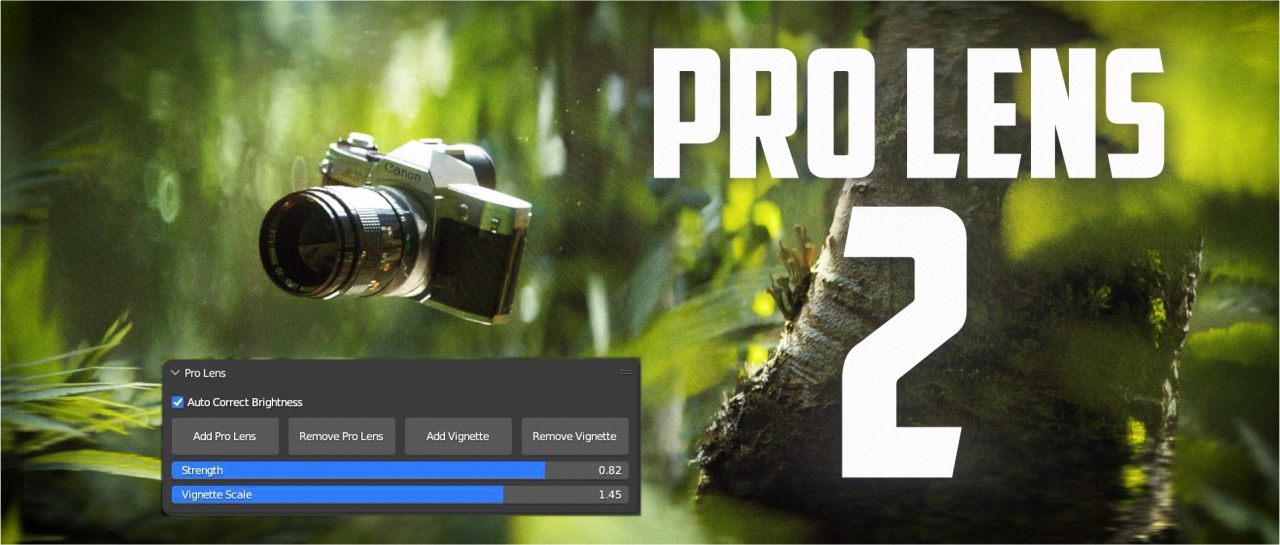
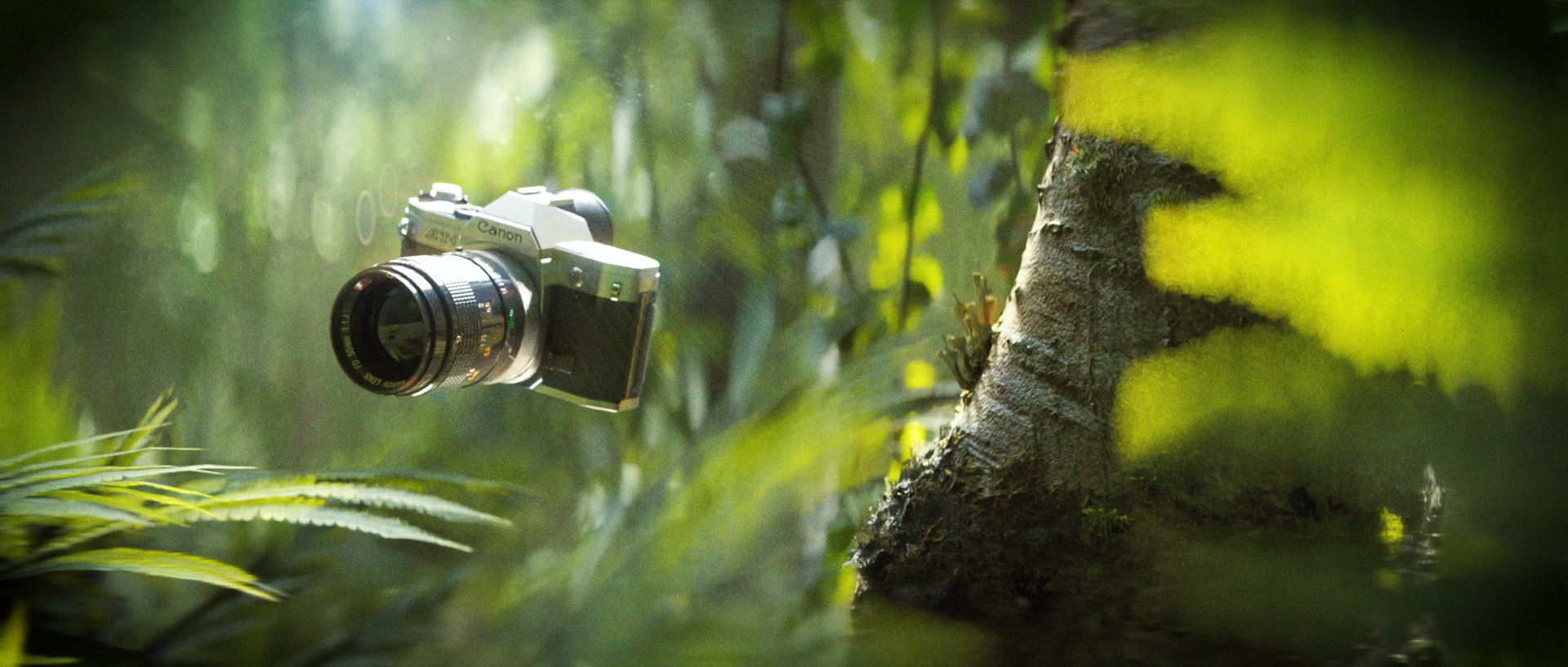
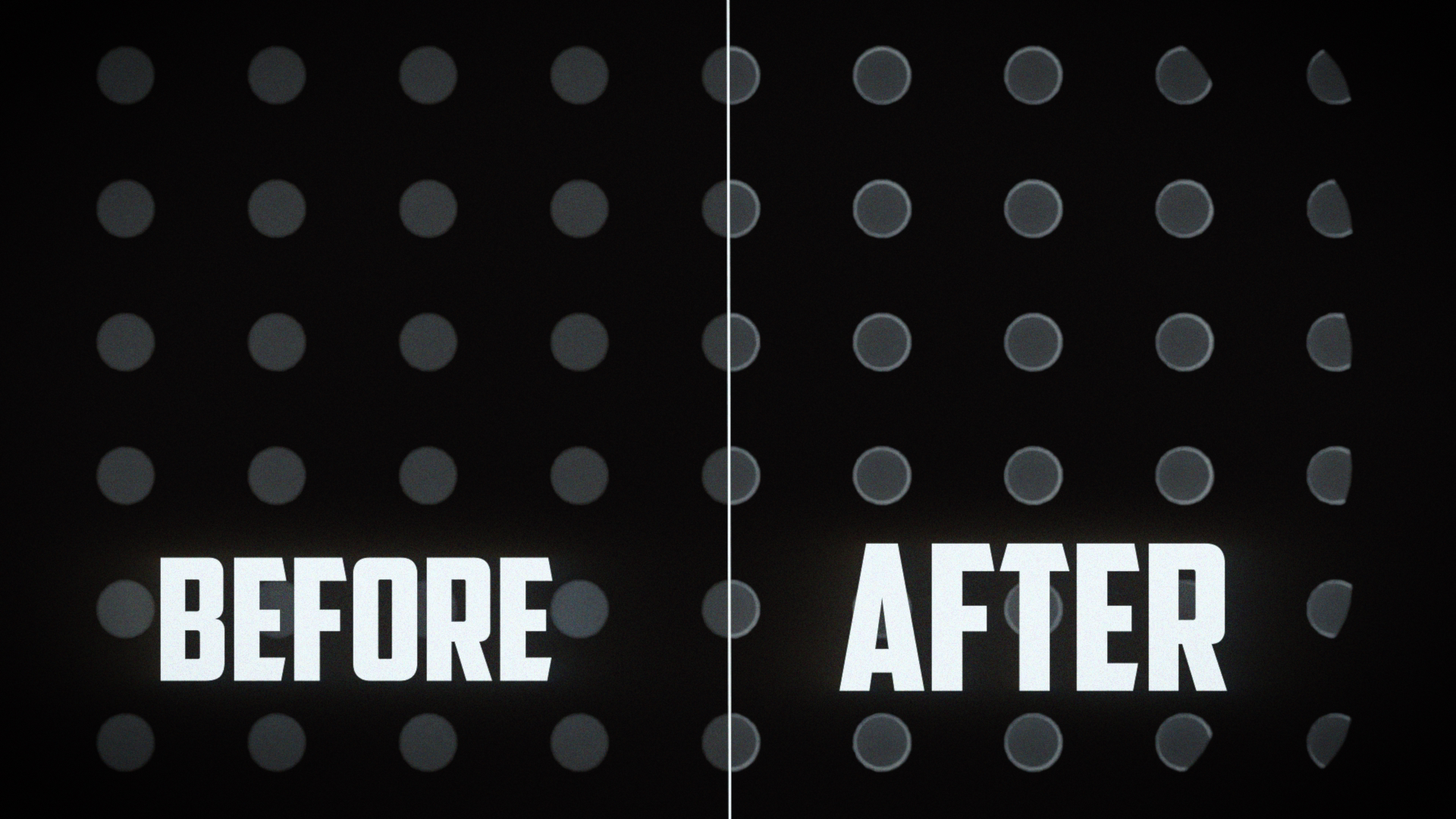
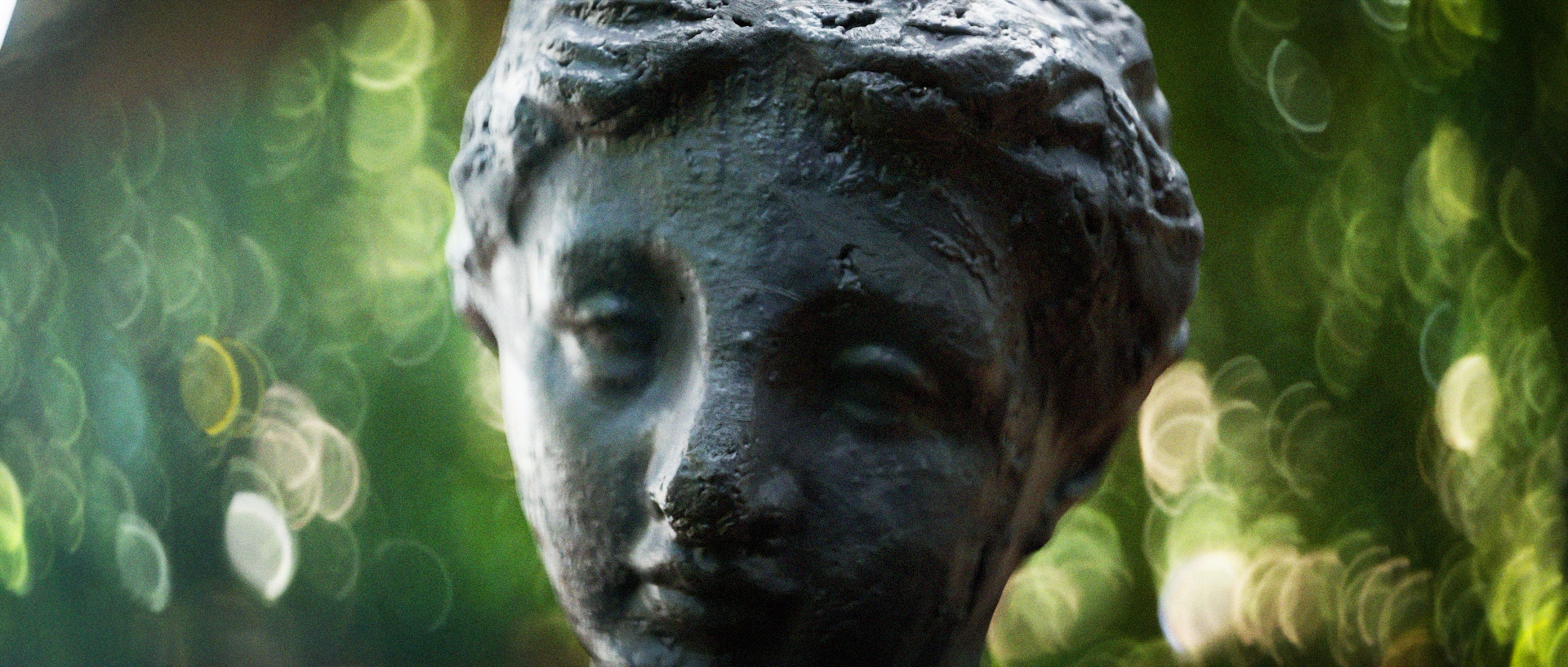
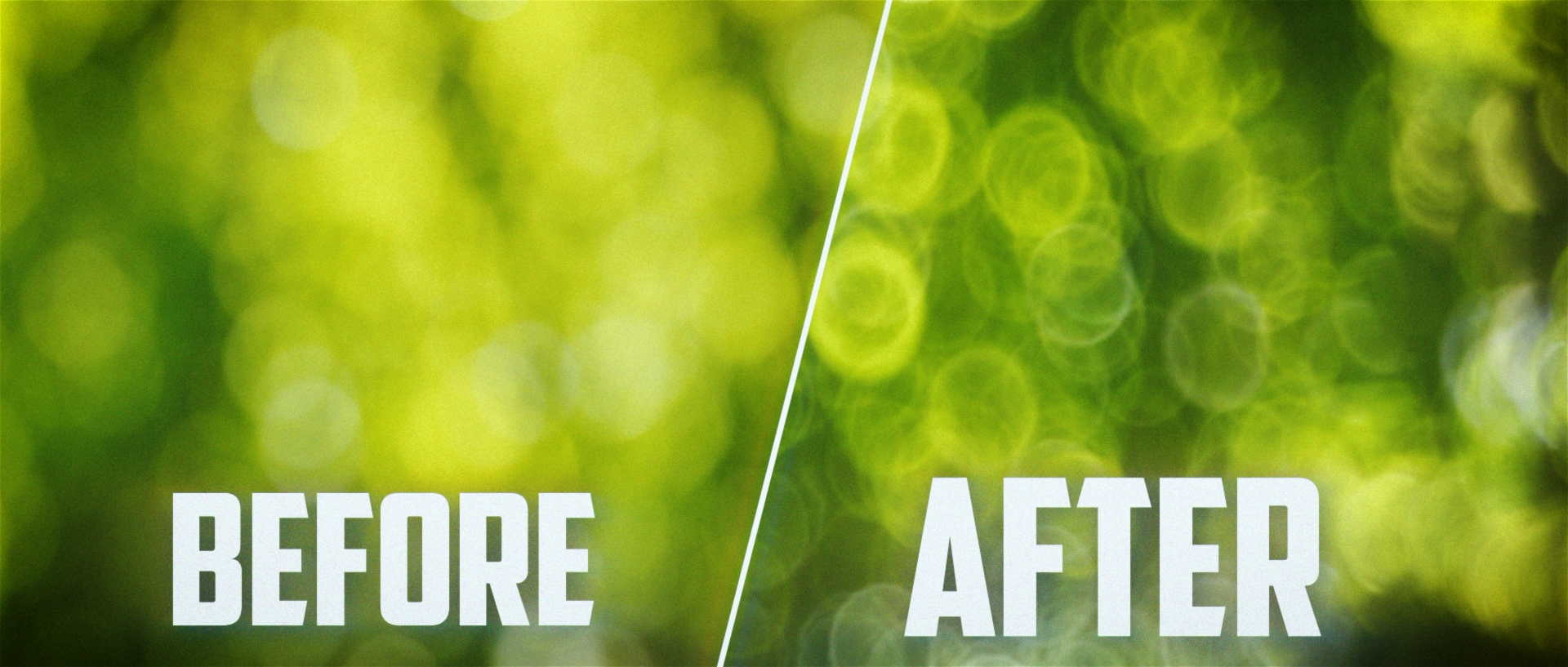
Pro Lens 2是一款专为Blender打造的专业光学镜头模拟插件,通过真实光学结构重建,实现更加电影级的焦外虚化、自然暗角和光学成像效果。
This is the version 2.0 of the Pro Lens add-on. I’ve really gone in and remade the whole thing and I’d say it’s quite different from the last version and a whole lot better. Everything is now a lot more smooth to use and works great with the newer versions of blender. I’ve added buttons and panels in the Camera Properties where you can add or remove the effect, adjust the strength and add natural vignetting. I’ve also made sure that you can adjust the focal length and change the ratio while still having all of the lens elements line up. Something that made the old version pretty clunky to use. I’ve also added a feature that allows you to auto correct the brightness so your image won’t get dark when using the add-on. I have removed the different dirt elements and color adjustments to make the whole thing a little easier to use but those are some things that I might add in the future.
安装步骤:
Blender 4或者低版本
打开软件,顶部菜单点击 编辑(Edit) → 首选项(Preference) → 插件(AAdd-ons) → 安装(Install) ,在弹出的窗口里选择插件zip文件安装
Blender 4.1或者高版本
打开软件,在顶部菜单编辑(Edit)→ 偏好设置(Preference)→ 插件(Add-ons),右上角下拉,选择从磁盘安装,在弹出的窗口里选择插件zip文件安装
支持Blender 4.2, 4.0, 3.0
历史版本:
| V2.0 | 点击下载 |