资源介绍:
Multi Replacer是由Nataworkstudio开发的After Effects脚本,专为需要快速替换大量素材的用户设计。它能够一键替换、插入并自动调整多张图片或视频的尺寸,让在几秒钟内完成模板中所有占位符的更新。无论你在制作幻灯片、视频墙、照片墙还是开场动画,这款脚本都能显著提升你的工作效率,免去繁琐的手动替换过程,让创作更加流畅高效。
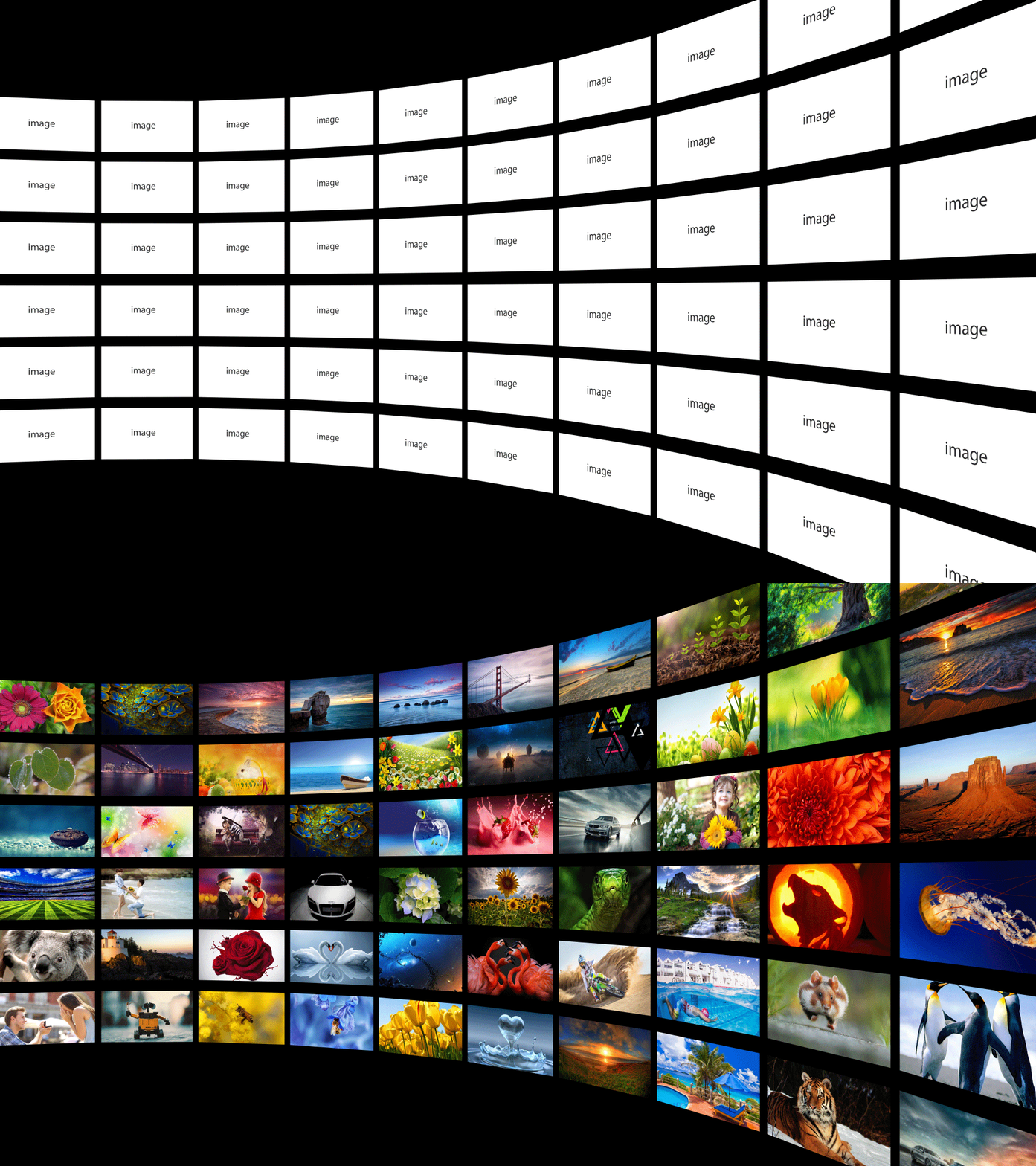
Multi Replacer will replace all of your placeholders in a seconds,Replace, insert and resize your multiple images(footages) with one click. And save a lot of boring work time. If you are working with ready-made templates, this script is for you, especially if you working with Slideshows, Video Wall, Screen Wall, Photo gallery, and Openers
It’s very easy to use
- Select the images that you want to replace, and click “Replace images”
- In the dialog box, choose the images and click ok.
- Select the compositions in which you want to insert images, and click “Insert into Comp”
- In the dialog box, choose the images and click ok.
After Effects 2026, 2025, 2024, 2023, 2022, 2021, 2020, CC 2019, CC 2018, CC 2017, CC 2015.3, CC 2015, CC 2014, CC, CS6, CS5.5, CS5