资源介绍:
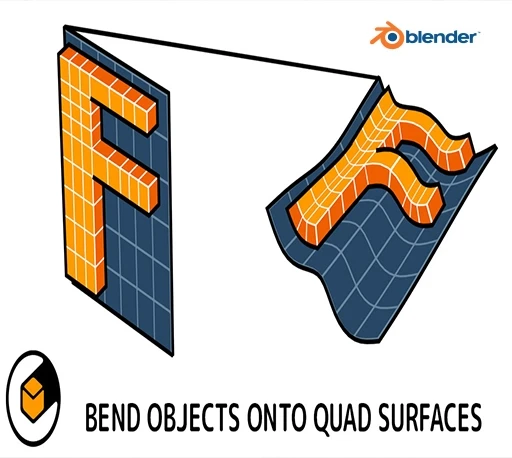
Flowify是一个面向3D建模者的Blender插件,它将一个称为“源对象”的对象弯曲为具有均匀间隔的四个侧面和四个角的表面对象,称为“目标表面”。称为“源网格”的平面参考网格对象用于指导附加组件。
Flowify is a Blender add-on for 3D modelers that bends an object, called the Source Object, to a surface object with evenly spaced four sided faces and four corners, called the Target Surface. A flat reference grid object called the Source Grid is used to guide the add-on.
安装方法:
Blender 4或者低版本
打开软件,顶部菜单点击 编辑(Edit) → 首选项(Preference) → 插件(AAdd-ons) → 安装(Install) ,在弹出的窗口里选择插件zip文件安装
Blender 4.1或者高版本
打开软件,在顶部菜单编辑(Edit)→ 偏好设置(Preference)→ 插件(Add-ons),右上角下拉,选择从磁盘安装,在弹出的窗口里选择插件zip文件安装
支持Blender 3.6 – 4.5