资源介绍:
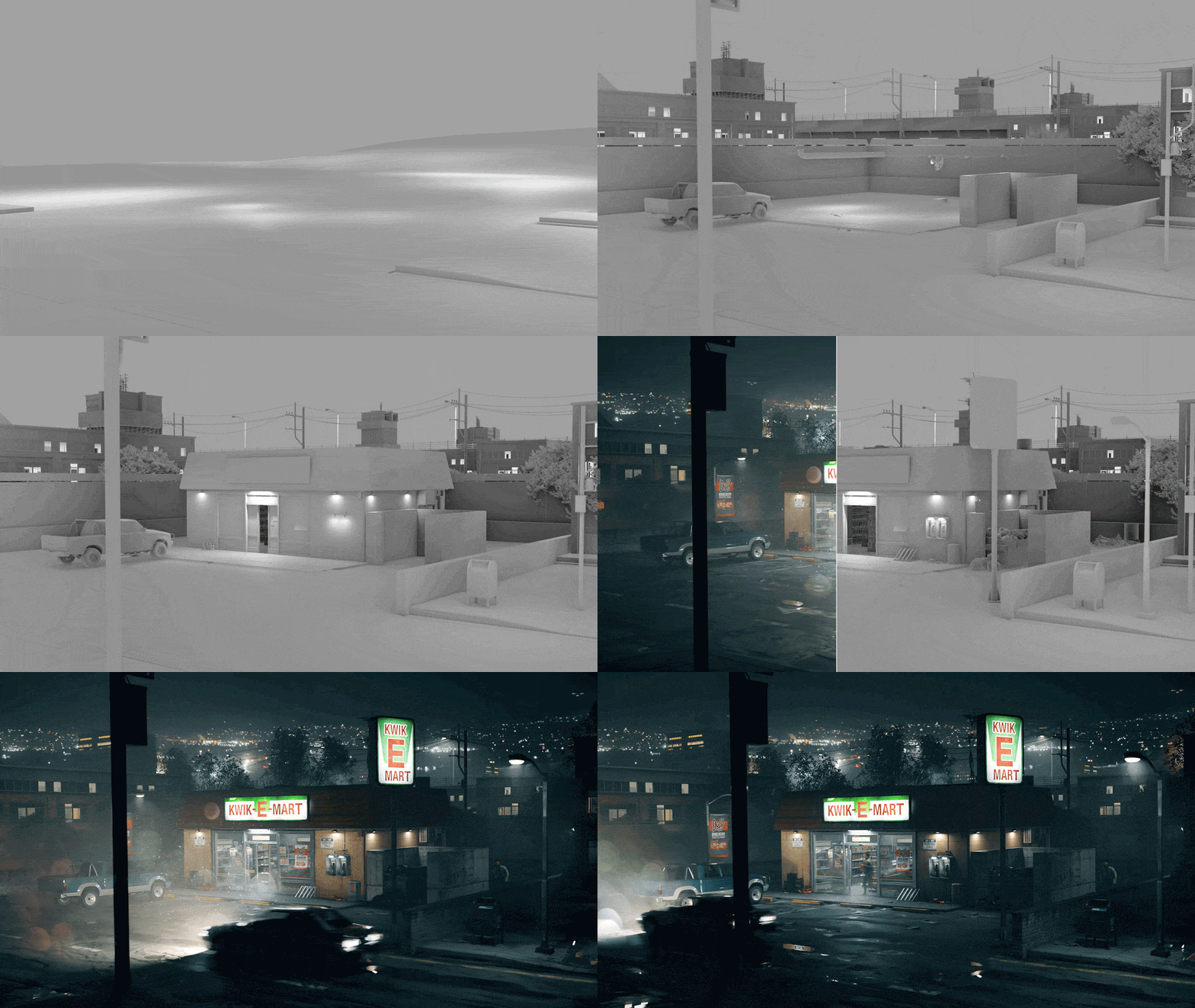
Breakdown Maker是一款Blender场景分解插件,简化作品展示和分镜演示的流程。它提供多种专业级动画预设、转台生成、灯光设置以及渲染管理功能,快速创建高质量的作品集或演示短片。可以轻松分解场景、展示创作过程,并利用 HDRI 环境贴图、纹理切换和渲染通道优化展示效果。插件还配备ColorChecker和反射球,确保光照和颜色校准符合行业标准。
We know how exhausting and tedious it can be to create a reel or breakdown after putting so much effort into your scene. That’s why we developed Breakdown Maker. This addon streamlines the process, adhering to industry standards for creating professional portfolios or demo reels. Showcase your work in the most polished way possible with minimal effort.
安装步骤:
Blender 4或者低版本
打开软件,顶部菜单点击 编辑(Edit) → 首选项(Preference) → 插件(AAdd-ons) → 安装(Install) ,在弹出的窗口里选择插件zip文件安装
Blender 4.1或者高版本
打开软件,在顶部菜单编辑(Edit)→ 偏好设置(Preference)→ 插件(Add-ons),右上角下拉,选择从磁盘安装,在弹出的窗口里选择插件zip文件安装
支持Blender 4.2 – 4.5
历史版本:
| V1.0.0 + 使用教程 | 点击下载 |