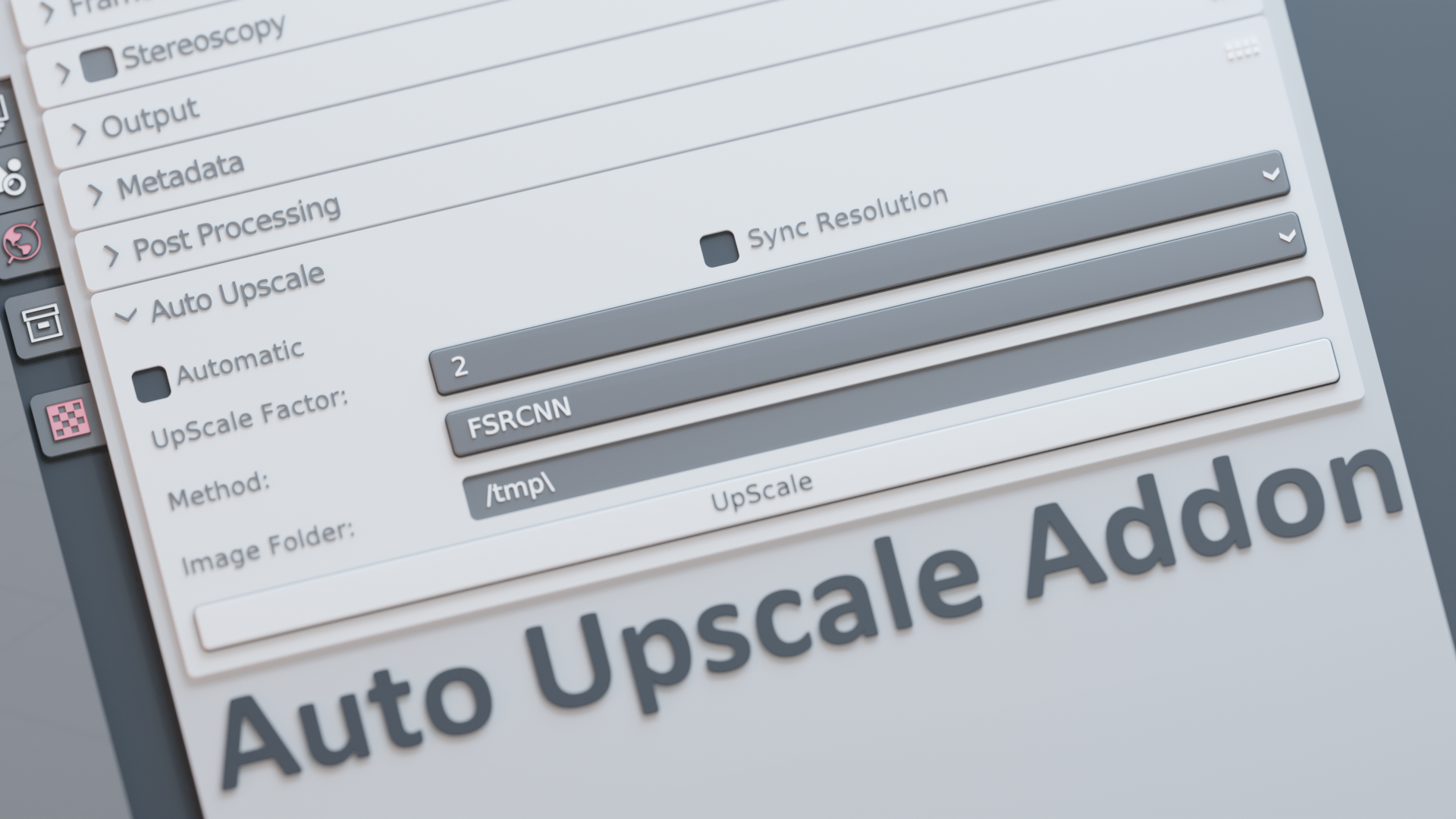
资源介绍:
Auto Upscale一款Blender插件,专为图像超分辨率设计,能够轻松提升渲染图像的视觉质量。可以在较低分辨率下进行渲染,加快迭代速度,同时在后期超分辨率处理时达到更高的图像质量。
主要特点:
- 分辨率同步:自动同步渲染分辨率与所选缩放倍数,确保输出结果的一致性。
- 轻松超分辨率:无需复杂操作,轻松将渲染图像提升至更高分辨率,提升项目视觉效果。
- 自动与手动模式:可选择自动超分辨率模式,享受免操作的便捷体验,或使用手动模式精细调整输出效果。
- 可调缩放倍数:支持2x、3x、4x、8x等多种倍数选择,灵活适应项目需求。
- 超分辨率优先级选择:根据项目需求,您可以选择优化速度或质量,满足不同场景的需求。
The Auto Upscale Add-on is a powerful tool designed to effortlessly upscale your rendered images, enhancing the visual quality of your projects with ease and allowing you to render at a lower resolution speeding up your iterating process to no end!
资源信息:
Blender 4或者低版本
打开软件,顶部菜单点击 编辑(Edit) → 首选项(Preference) → 插件(AAdd-ons) → 安装(Install) ,在弹出的窗口里选择插件zip文件安装
Blender 4.1或者高版本
打开软件,在顶部菜单编辑(Edit)→ 偏好设置(Preference)→ 插件(Add-ons),右上角下拉,选择从磁盘安装,在弹出的窗口里选择插件zip文件安装
支持Blender 4.1, 4.0, 3.6