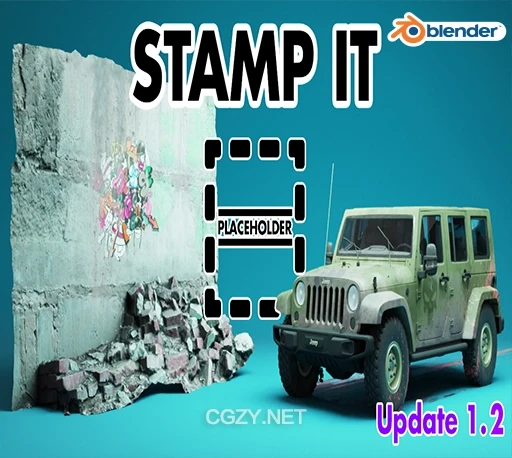
资源介绍:
Stamp It!是一个Blender插件,在模型上应用贴花和PNG图像,而无需添加额外的几何体。主要功能包括图像和PBR材质的快速应用、图层叠加、自动调整大小和Alpha剪切等。简化了在Blender中使用贴花的流程,保持工作流的简洁和高效。
StampIT simplifies the process of applying decals and PNGs to models. It utilizes a “controller empty technique” that adds the decals without adding a single extra vertex to your project. The add-on works in both Cycles and Eevee!
安装方法:
Blender 4或者低版本
打开软件,顶部菜单点击 编辑(Edit) → 首选项(Preference) → 插件(AAdd-ons) → 安装(Install) ,在弹出的窗口里选择插件zip文件安装
Blender 4.1或者高版本
打开软件,在顶部菜单编辑(Edit)→ 偏好设置(Preference)→ 插件(Add-ons),右上角下拉,选择从磁盘安装,在弹出的窗口里选择插件zip文件安装
支持Blender 4.2, 4.1, 4.0, 3.6, 3.5